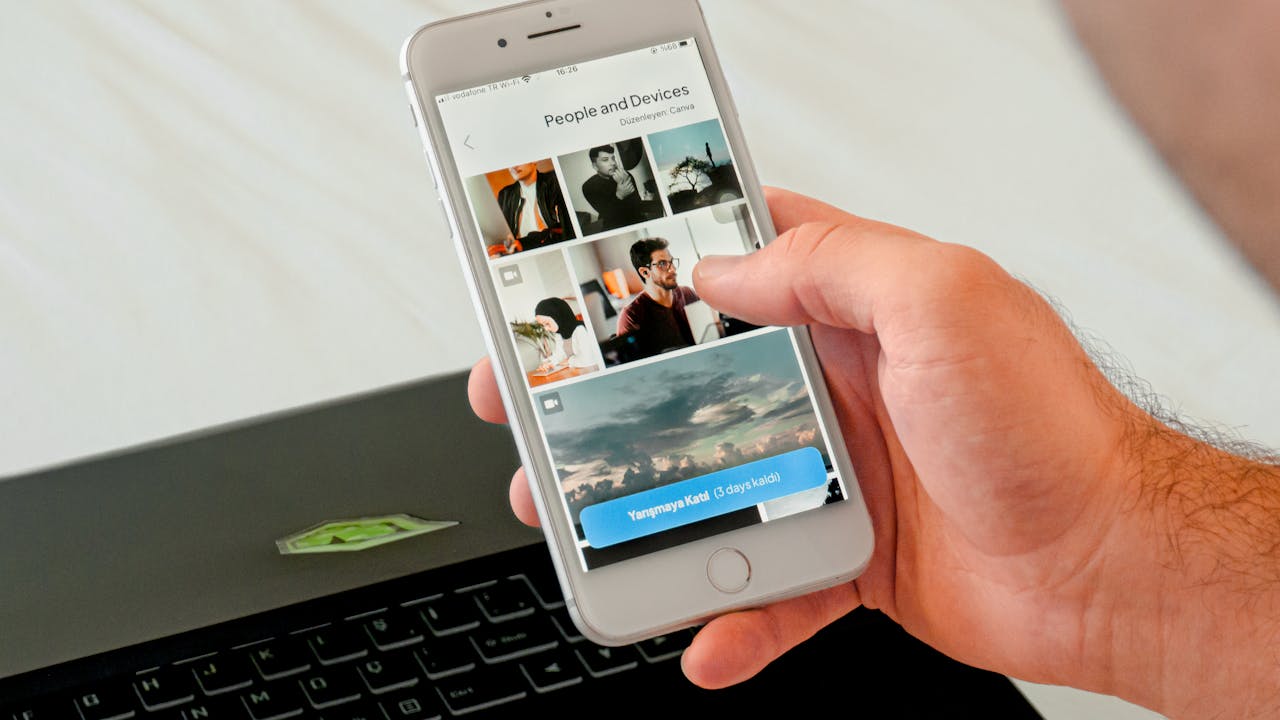
Phones and Productivity: In today’s world, smartphones have become an integral part of our lives. We use them for various purposes, including communication, entertainment, and productivity. With the right tools and strategies, your phone can be an effective tool for staying organized and focused.
Introduction to phones and productivity
In today’s fast-paced world, it can be challenging to stay organized and focused. With the constant influx of information and distractions, it’s easy to get overwhelmed and lose track of what’s important. However, with the right tools and strategies, you can leverage technology to boost your productivity and achieve your goals.
One of the most ubiquitous technological tools available today is the smartphone. With its many features and capabilities, your phone can be a powerful ally in your quest for productivity. From productivity apps to voice assistants, there are many ways your phone can help you stay organized and focused.
In this context, this topic will explore various ways in which your smartphone can help you stay productive, organized, and focused. It will cover the different apps and tools available to help you manage your time effectively and avoid distractions. Whether you’re a busy professional, a student, or just looking to improve your productivity, this topic will provide you with valuable insights into how you can make the most of your smartphone.
Benefits of using your phone for productivity
- Convenience: Your phone is always with you, so you can access your productivity tools and apps whenever and wherever you need them.
- Efficiency: With the right tools and strategies, your phone can help you complete tasks more efficiently, saving you time and effort.
- Organization: Productivity apps can help you stay organized by keeping track of your to-do lists, appointments, and deadlines.
- Focus: Using your phone to manage distractions, like turning off notifications or using focus apps, can help you stay focused and avoid interruptions.
- Accountability: Time-tracking apps can help you hold yourself accountable and identify areas where you can improve your productivity.
- Flexibility: Your phone can help you stay productive even when you’re on the go, allowing you to work from anywhere and manage your time more effectively.
- Motivation: Seeing progress and accomplishments in your productivity apps can provide a sense of motivation and help you stay on track towards your goals.
Phone apps for organization and productivity
There are numerous phone apps available for organization and productivity. Here are some of the most popular ones:
- Todoist: A to-do list app that allows you to create tasks, set deadlines, and track your progress. It also integrates with other apps like Gmail, Google Calendar, and Slack.
- Trello: A project management app that allows you to organize tasks into boards, lists, and cards. It’s useful for collaboration and can be customized to fit your workflow.
- Evernote: A note-taking app that allows you to save notes, web pages, and other content in one place. It also has a powerful search function and can be synced across multiple devices.
- Google Drive: A cloud storage app that allows you to store and share files, including documents, spreadsheets, and presentations. It also integrates with other Google apps like Gmail and Google Calendar.
- Forest: A focus app that uses gamification to help you stay focused and avoid distractions. You plant a virtual tree, and if you leave the app, the tree dies.
- RescueTime: A time-tracking app that monitors how much time you spend on different apps and websites. It provides insights into your productivity habits and can help you identify areas where you can improve.
- Focus@Will: A music app that uses science-based music to help you stay focused and productive. It offers a variety of genres and playlists designed to enhance productivity.
- MindNode: A mind-mapping app that allows you to visualize and organize your ideas. It’s useful for brainstorming and planning projects.
- Pocket: A read-it-later app that allows you to save articles, videos, and other content for later. It also offers a text-to-speech feature that can read articles aloud.
- Notion: A productivity app that allows you to create notes, databases, and project management tools. It’s highly customizable and can be used for a variety of purposes.
These are just a few examples of the many phone apps available for organization and productivity. Finding the right apps that work for you can make a significant difference in your productivity and help you stay organized and focused.
Communication and collaboration apps
Communication and collaboration apps are essential for staying connected with colleagues, clients, and team members. Here are some of the most popular communication and collaboration apps:
- Slack: A messaging app that allows teams to communicate in real-time. It offers channels for different topics, direct messaging, file sharing, and integrations with other tools like Trello and Google Drive.
- Microsoft Teams: A collaboration platform that offers chat, video conferencing, and file sharing. It also integrates with other Microsoft apps like Word, Excel, and PowerPoint.
- Zoom: A video conferencing app that allows for virtual meetings with screen sharing and recording features. It’s widely used for remote work and distance learning.
- Google Meet: A video conferencing app that integrates with other Google apps like Google Calendar and Gmail. It offers features like screen sharing, closed captions, and live streaming.
- Asana: A project management app that allows teams to collaborate on tasks, projects, and deadlines. It offers visual boards, calendars, and timelines to help teams stay organized.
- Basecamp: A project management and collaboration app that offers task lists, schedules, and file sharing. It also has a messaging feature for team communication.
- Dropbox: A cloud storage app that allows teams to store and share files. It offers features like file recovery, version history, and integrations with other tools like Trello and Slack.
- Toggl: A time tracking app that allows teams to track time spent on projects and tasks. It offers reporting and analysis tools to help teams improve productivity.
- Figma: A design and collaboration app that allows teams to create, edit, and share design files in real time. It offers collaboration tools like comments and version history.
- Monday.com: A project management app that offers customizable boards and workflows for team collaboration. It also integrates with other tools like Slack and Google Drive.
Read More: WhatsApp New Features 2026: Full Guide to Latest & Upcoming Updates
Note-taking and organization apps
Note-taking and organization apps are useful for capturing ideas, organizing information, and staying productive. Here are some of the most popular note-taking and organization apps:
- Evernote: A note-taking app that allows you to create and organize notes, web clips, and files. It also offers a search function and can be synced across multiple devices.
- Notion: A productivity app that allows you to create notes, databases, wikis, and project management tools. It’s highly customizable and can be used for a variety of purposes.
- OneNote: A note-taking app that allows you to create digital notebooks for capturing and organizing notes, images, and files. It integrates with other Microsoft apps like Outlook and Teams.
- Google Keep: A note-taking app that allows you to capture and organize notes, lists, and reminders. It also offers voice recording and image annotation features.
- Apple Notes: A note-taking app that allows you to create and organize notes, sketches, and photos. It also integrates with other Apple apps like Reminders and Mail.
- Bear: A note-taking app that allows you to create notes and organize them using hashtags and nested tags. It also offers a focus mode and integrates with other apps like Apple’s Siri Shortcuts.
- Simplenote: A minimalist note-taking app that allows you to create and sync notes across multiple devices. It also offers a search function and tagging feature.
- Turtl: A secure note-taking app that allows you to encrypt and password-protect notes, bookmarks, and files. It also offers syncing across multiple devices.
- Zoho Notebook: A note-taking app that allows you to create notes, lists, and checklists. It also offers a web clipper and integrates with other Zoho apps.
- Standard Notes: A secure note-taking app that allows you to encrypt and password-protect notes. It also offers syncing and integrations with other apps like Dropbox and Google Drive.
Conclusion
In conclusion, phones and productivity are essential tools for staying organized and productive in today’s fast-paced world. There are many productivity apps available that can help you manage your time, stay focused, and collaborate with others. Communication and collaboration apps like Slack and Zoom allow you to stay connected with colleagues, while note-taking and organization apps like Evernote and Notion help you capture ideas and stay on top of tasks. By using these tools, you can make the most of your smartphone and achieve your goals more efficiently.
